
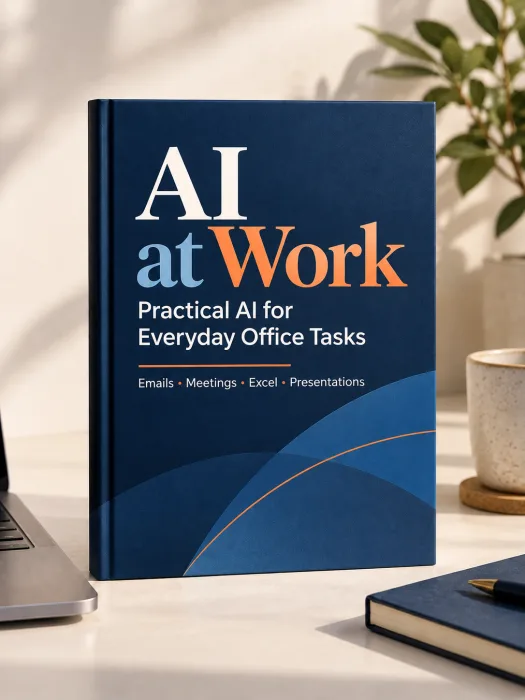
AI at Work : A Practical Guide to Everyday Office Tasks
4.8Learn to use AI for emails, meetings, documents, Excel, reports, presentations, and planning—with prompts and examples you can adapt to your work.
A beginner-friendly PDF guide to using AI in daily office work. Explore practical examples, reusable prompts, simple workflows, and checks for accuracy and privacy.
You save ₹500.00
- Instant Download
- Secure Payment
- Support Available

Secure Payment
Encrypted checkout, every time.
Instant Digital Delivery
Get access right after payment.
Easy Access
Read anytime, on any device.
Support Available
We're here if you need help.
Does Your Workday Feel Like This?
- You spend too long turning rough notes into a clear email.
- You leave meetings with notes but no clear action list.
- You need to summarize a long document for someone who has little time.
- You know what your spreadsheet contains but struggle to explain the results.
- You start presentations from a blank slide.
- You try AI once, get a vague answer, and do not know how to improve it.
What You Can Learn to Do
Draft clearer emails from a few key points.
Turn meeting notes into actions, owners, and deadlines.
Pull the main points from long documents.
Ask better questions about spreadsheet data.
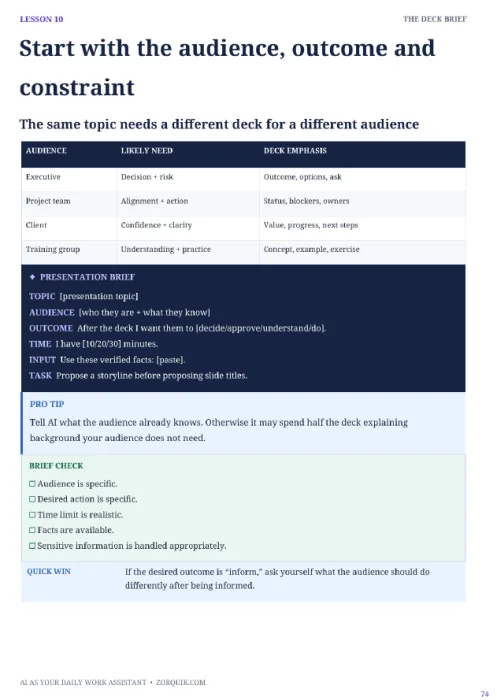
Build a useful first outline for a report or presentation.
Plan your day around priorities and deadlines.
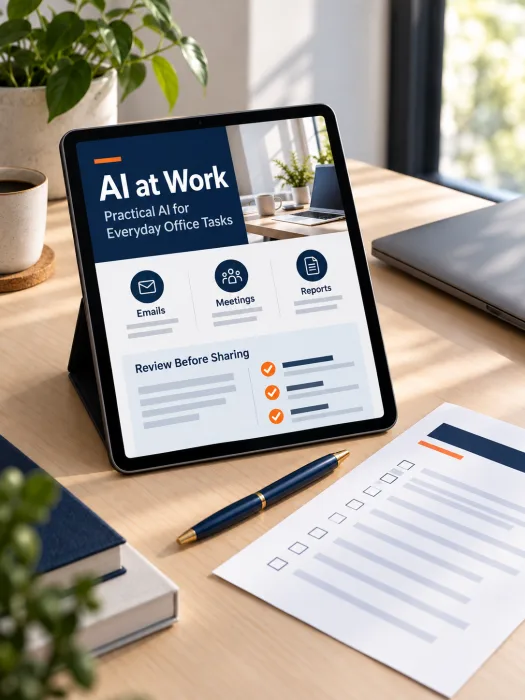
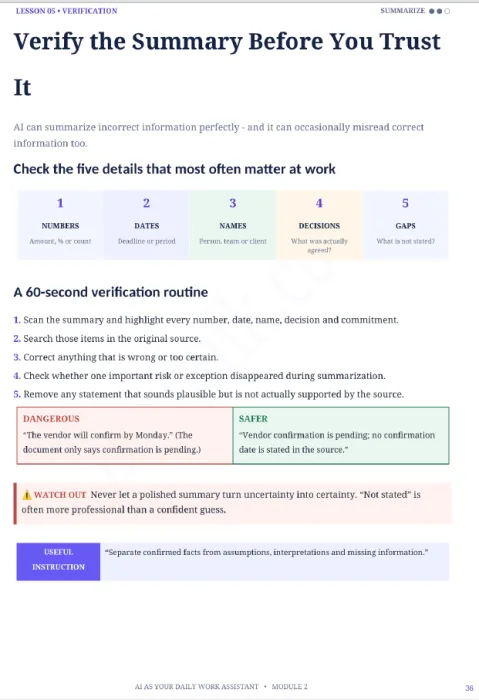
Review AI output before sharing it at work.
A Guide Built Around Real Tasks
Simple explanations of AI concepts used in office work.
Prompt examples for writing, summarizing, and planning.
Before-and-after examples that show how clearer instructions change an answer.
Workflows for meetings, reports, spreadsheets, and presentations.
Checks for missing facts, weak wording, and unclear next steps.
Guidance on handling private and confidential information.
Inside the Ebook
Five-module AI at Work PDF guide.
Step-by-step workplace examples for common office tasks.
Copy-ready prompts that you can adapt to your own work.
Email, meeting, report, and presentation workflows.
Excel and data-analysis prompt examples.
Human-review and privacy checklists.
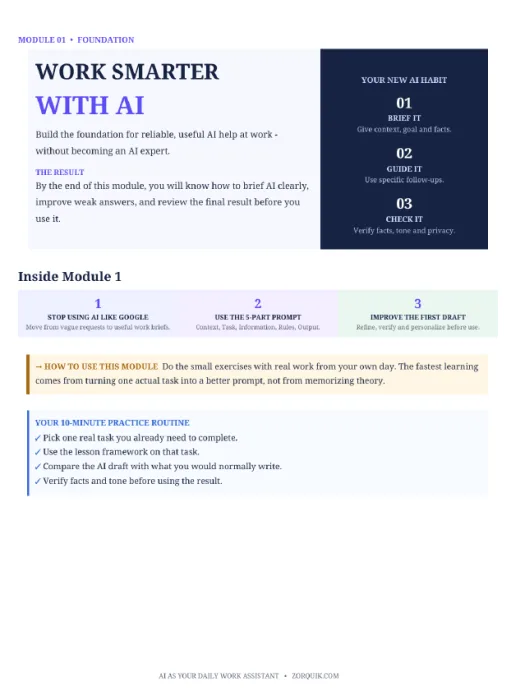
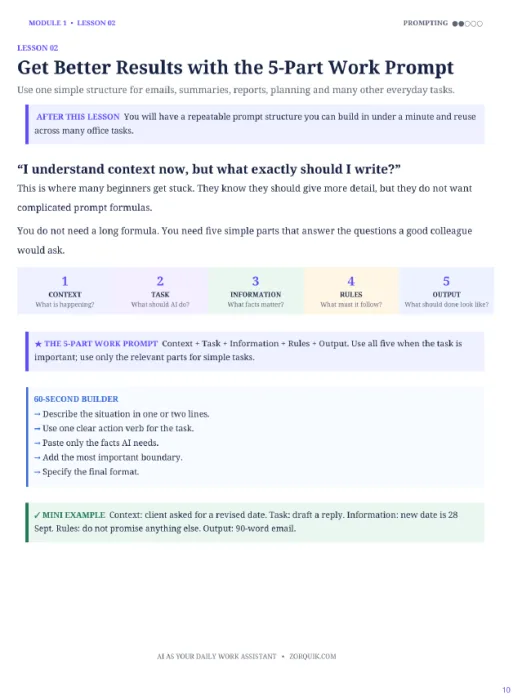
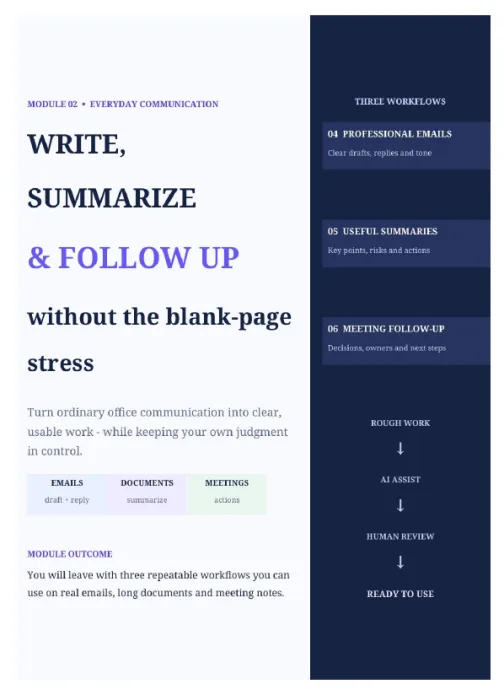
See Sample Pages
Take a look before you buy — here's a real preview of what's inside.
Who This Guide Is For
Office professionals who want help with everyday writing and planning.
Managers who prepare updates, meetings, and presentations.
Freshers learning how to communicate clearly at work.
Job seekers who want practical AI skills for office roles.
Non-technical professionals who prefer simple examples over technical lessons.
Make AI Useful in Your Workday
AI at Work is a practical guide for people who want to use AI at work but are unsure where to start. It explains each idea in simple language and connects it to tasks you already do.
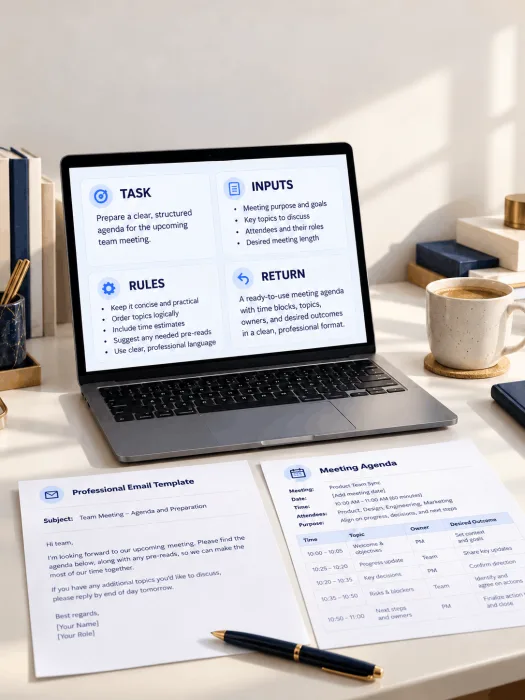
Learn how to draft an email, summarize a document, prepare for a meeting, explore spreadsheet data, and plan a presentation. The examples show how to give AI clear instructions and improve its first answer.
The guide also shows where human judgment matters. You will learn to check facts, edit the final wording, and keep sensitive work information out of prompts unless your organization allows its use.
Start With One Task
-
01
Purchase the PDF guide through Zorquik.
-
02
Open the module that matches a task you do often.
-
03
Read the example and adapt its prompt to your situation.
-
04
Review the AI response for facts, tone, and missing details.
-
05
Save the prompts that work well for your future tasks.
Product Details
What Customers Say
“The meeting example made it easier for me to turn rough notes into actions and follow-ups. I still check every detail before sharing.”
“I liked the email prompts because they start with the purpose and key points. That helped me write a clearer first draft.”
“The Excel section gave me useful questions to ask about a report. I would also like more examples for large spreadsheets.”
“The guide helped me plan a presentation outline before opening PowerPoint. The review checklist was a useful final step.”
Questions Before You Buy
Do I need technical knowledge?
No. The guide starts with simple explanations and everyday work examples.
Is this a video course?
No. It is a PDF ebook with written examples, prompts, and checklists.
Will the prompts work with every AI tool?
You can adapt them to many text-based AI tools, but results and features vary.
Do I need a paid AI subscription?
The guide does not require a specific paid plan. Check the limits of the tool you choose.
Can I use it for confidential work documents?
Follow your employer’s rules. Remove sensitive details unless your organization approves the tool and its use.
Will AI complete my work without review?
No. Check facts, calculations, tone, and decisions before using any response.
What happens if I have a download issue?
Use the order-help option or contact details provided by Zorquik at checkout.
Is there a refund?
Check the refund terms shown at checkout before paying. No refund promise is made in this listing.
Ready to get started?
Start using AI at Work : A Practical Guide to Everyday Office Tasks today.
You save ₹500.00
- Secure payment
- Instant delivery
- Refund policy
See our Digital Delivery Policy.
You May Also Like
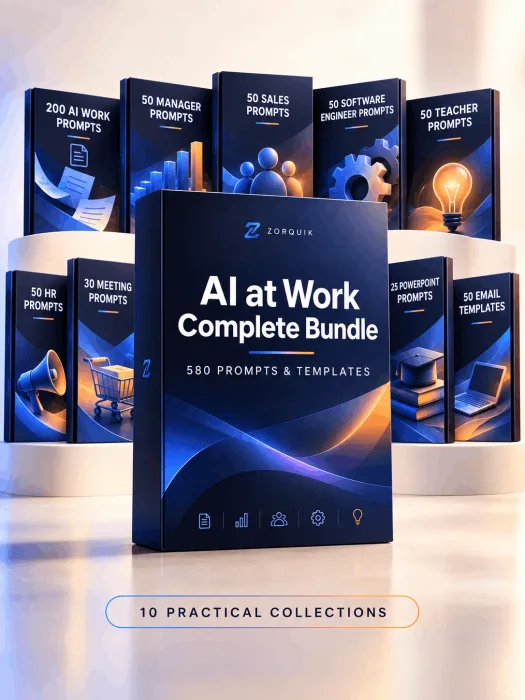
The AI-Powered Professional Bundle
You save ₹700.00
- Product Type: Digital bundle
- Contents: AI professional prompts.
- Collections: 10
- Delivery: One ZIP containing PDF
Get 580 copy-ready AI professional prompts one ZIP with ten PDF collections. Plan work, write clearly, prepare meetings and adapt role-specific drafts to your needs.
- Instant download
- Secure payment
- Support available
Disclaimer
This product is for learning and general workplace productivity. AI can produce incorrect or incomplete answers. Check important facts, calculations, and advice yourself. Follow your employer’s rules before entering work information into an AI tool. The guide does not guarantee a job, promotion, or a specific amount of time saved.